
Introduction
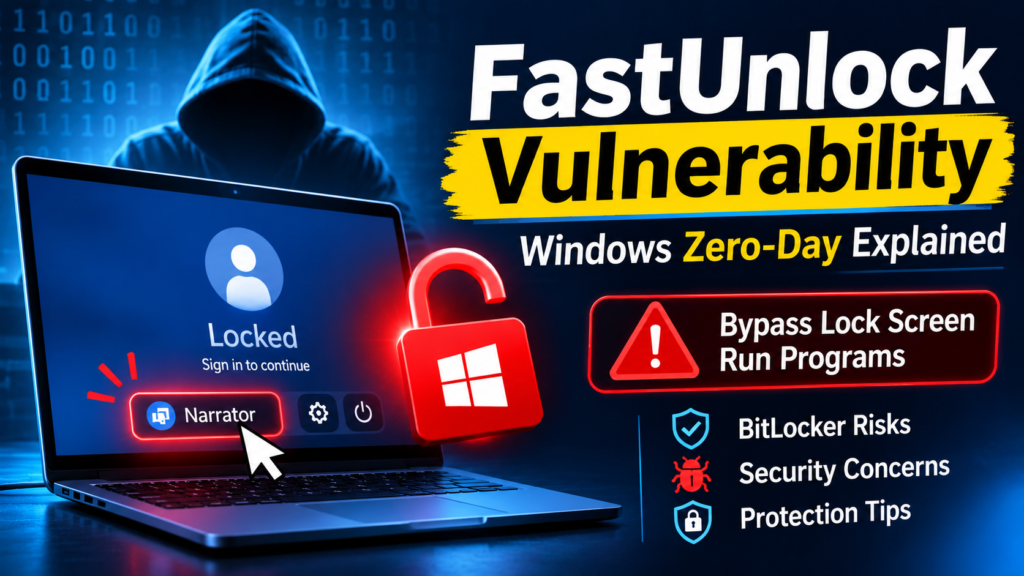
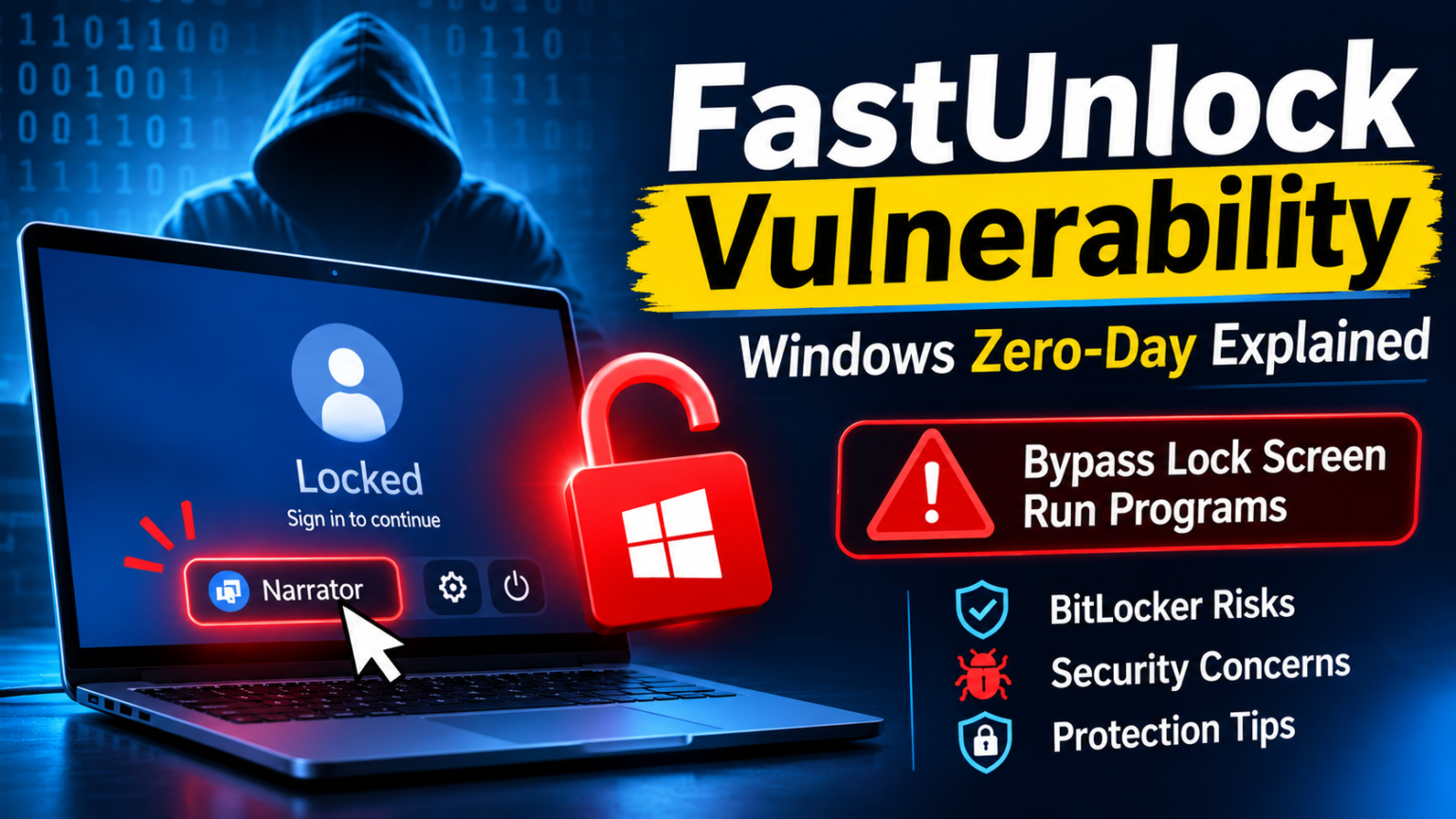
FastUnlock vulnerability, a new Windows zero-day security threat, has sparked fears over the security of locked devices and BitLocker encrypted devices. This new zero-day vulnerability allows any attacker who physically accesses the Windows machine to bypass the lock screen and run applications without first signing into the user account on the Windows machine.
This particular vulnerability has been disclosed on November 19, 2026, by the famous security researcher named Chaotic Eclipse or Nightmare Eclipse. It has been reported that the attack exploits the built-in Narrator accessibility tool from Microsoft and allows the attacker to access the certain windows settings and reach the restricted execution environment on the lock screen.
What is worrying about this particular security vulnerability is that it is said to impact BitLocker protected systems as well. BitLocker is the full disk encryption system from Microsoft that protects against the unauthorized access to the device data in case of theft or loss.
According to the researcher, the attack succeeded in getting past the encryption on a Windows 11 26H2 system that had security updates for November 2026 installed. The technique has been independently tested by security experts, but the level of access obtained is that of a non-administrative account.
In this article, we discuss what FastUnlock vulnerability is, how it works, which Windows versions may be vulnerable, the dangers associated with it, and how one can protect themselves against it.
What Is the FastUnlock Vulnerability?
FastUnlock vulnerability represents the recently discovered security bug in the Windows system called zero-day flaw that is related to the Windows Narrator utility.
Narrator represents an integrated Windows program used by people with visual disabilities in order to read text and other interface elements aloud.
The problem found by the researcher concerns the way in which the updated interface of the Narrator works in the Windows lock-screen mode.
As a result, some actions are not correctly blocked in the context of the locked user account. This may represent the backdoor through which a person can use the restricted interface options in advance of logging in.
The reported attack may allow the execution of code under the WsiAccount account that is used by the Windows operating system in the lock-screen mode.
The FastUnlock vulnerability is especially relevant due to the fact that it violates the assumptions related to the security of the locked and encrypted Windows machine.
Key Details About the FastUnlock Vulnerability
These are the significant technical facts:
- Vulnerability Name: FastUnlock
- Target Platform: Microsoft Windows
- Affected Component: Windows Narrator accessibility feature
- Vulnerability Type: Zero-day lock-screen bypass
- Reported Impact: Unauthorized access and code execution
- Affected Environment: Windows 11 26H2 tested by the researcher
- Security Researcher: Chaotic Eclipse (Nightmare Eclipse)
- Disclosure Date: November 19, 2026
- Physical Access Required: Yes
- CVE Number: No CVE identifier reported at the time of disclosure
- Patch Status: No official security fix reported as of November 20, 2026
The researcher must state that the effects on other Windows versions, such as Windows 10, have yet to be determined.
How Does the FastUnlock Vulnerability Work?
It is necessary to know how Windows treats applications of accessibility before signing into an account in order to analyze the FastUnlock vulnerability.
Under normal circumstances, Windows limits the interaction with system settings and applications from the lock screen, which serves as an additional security measure against the unauthorized access to the system functions.
Nevertheless, the vulnerability under discussion provides access to extra features of the interface through Narrator.
The attack can be described by the following stages.
1. Attacker Gains Physical Access to a Locked Computer
Requirement number one is physical access to the computer running Windows.
Contrary to conventional remote exploits, FastUnlock vulnerability apparently does not give an attacker the ability to exploit the computer remotely through the Internet.
The hacker needs direct interaction with the machine.
It becomes especially relevant for stolen, abandoned, or poorly protected laptops.
2. The Attacker Uses Windows Narrator
The next step is the use of Narrator accessibility option, which comes with Windows.
In order to allow interaction with the device even before logging in, Windows provides accessibility features during the sign-in process.
As per the researcher, there is one flaw in the redesign of the Narrator interface, which enables certain settings and interface components to be accessible in the locked environment.
3. Restricted Windows Settings Become Accessible
The mentioned technique exploits the Microsoft account recovery interface to gain access.
Using the accessibility interface, an attacker can access certain settings that are not supposed to be accessible prior to authentication.
This is the main flaw in terms of security in the FastUnlock vulnerability.
4. The Attacker Reaches the WsiAccount Environment
It has been said that successful exploitation would give the attacker control over the WsiAccount account on the Windows lock-screen.
The WsiAccount account gives a limited user environment rather than the full privileges of the administrator account.
ThreatLocker, a security firm, has independently verified this exploit technique and found that it gives the environment of WsiAccount account but without any administrative privileges.
5. Unauthorized Programs May Be Executed
According to the researcher, the technique will eventually enable software to run in the WsiAccount context.
It is alarming since the attacker could potentially engage with files and software programs without going through the Windows login procedure.
Nevertheless, running programs under WsiAccount must not be taken for granted as being equivalent to running software in the Administrator or SYSTEM level contexts.
Its effect would depend on the permissions within that context and the other variables at play.
Can the FastUnlock Vulnerability Bypass BitLocker Encryption?
Another one of the most alarming claims surrounding the FastUnlock vulnerability relates to its ability to circumvent the BitLocker protections.
The BitLocker is an encryption tool of Windows that encrypts everything on the storage device in order to prevent unauthorized people from accessing the content stored in case a computer is lost or stolen.
According to the researchers, the FastUnlock method allowed for the decryption of the full BitLocker protection of Windows 11 26H2.
It is essential to distinguish between bypassing the access control of the operating system and bypassing the encryption itself.
However, the described method does not prove that the algorithms used by BitLocker encryption were compromised. On the contrary, this method supposedly takes advantage of the functionality available in the active Windows lock screen.
ThreatLocker also pointed out that the generated WsiAccount is not an administrator account.
Therefore, organizations need to take the reported BitLocker bypass seriously while keeping in mind that all the encrypted data and credentials are not automatically accessible because of this.
Which Windows Versions Are Affected?
FastUnlock was proven to have a flaw using Windows 11 version 26H2, even on a machine with the November 2026 security updates installed.
Nonetheless, there is no confirmation on whether the problem is the same with other Windows versions.
| Windows Version | Reported Status |
|---|---|
| Windows 11 26H2 | Demonstrated by the researcher |
| Windows 11 other versions | Not confirmed |
| Windows 10 | Not tested by the researcher |
Since the vulnerability is now publicly known, users of the Windows operating system and IT professionals need to keep track of all security communications from Microsoft regarding compatibility and patch updates.
The lack of an effect on any other version does not guarantee that other versions are secure.
What Are the Potential Security Risks?
The FastUnlock vulnerability presents many security risks to individuals, companies, and enterprise computing.
1. Unauthorized Physical Access
A hacker with physical access to the computer can possibly communicate with a computer that is currently locked without the need to enter the user’s correct login details.
This adds to the potential dangers of stolen and unattended computers.
2. BitLocker Security Concerns
Many organizations use BitLocker as a means of protecting confidential data from being compromised in laptops and desktop computers.
The mentioned flaw in the lock screen allows one to question the efficiency of using regular disk encryption only when a computer becomes physically accessible and is booted up.
3. Unauthorized Program Execution
Execution of processes with the permission of WsiAccount might result in the appearance of other vulnerabilities.
Despite the fact that WsiAccount is not an administrator account, program execution might provide additional chances for research or exploitation.
4. Corporate Data Exposure
Business computers frequently have a lot of information that includes internal documentation, client data, company communication, and development information.
When hackers access the protected functionality of the system, companies may become at risk for information exposure.
5. Increased Risk of Device Theft
The FastUnlock vulnerability emphasizes the importance of physical security of the devices.
A stolen computer might pose more security threats to the organization in case there is an opportunity for interaction with the lock-screen interface.
How Can Users and Organizations Protect Against the FastUnlock Vulnerability?
In light of the disclosure of the FastUnlock vulnerability without an officially documented fix as of November 20, 2026, there is need for further security measures.
1. Restrict Physical Access to Devices
Place computers, whether portable or desktops, in safe locations.
Ensure that corporate hardware is not left unattended in any place from which an unauthorized individual may be able to gain access.
2. Use a BitLocker Pre-Boot PIN
Companies that use BitLocker technology should think about using pre-boot PIN in cases when it is suitable.
A pre-boot PIN involves authentication before startup and unlocking the OS partition.
It may be useful in the case of attacks that rely on access to the working Windows lock-screen.
3. Monitor Microsoft Security Updates
Administrators need to consistently keep track of the latest security advisories from Microsoft as well as the latest release from the Windows Update.
Implement the security update that will be released by Microsoft regarding the FastUnlock.
It is important not to conclude that the issue will automatically be solved once the November 2026 updates have been installed.
4. Review Accessibility Feature Restrictions
Windows-managed organizations need to look into the security policy with regards to accessibility features that can be used before authentication.
If there is any work-around using Narrator, then it needs to be done very cautiously not to affect those who use accessibility features.
5. Apply Application Control Policies
Enterprise administrators may examine application control technologies like AppLocker and Windows Defender Application Control.
The researcher proposed blocking the Narrator using application control policies as one way to mitigate the issue. This is not an official solution from Microsoft, but just a workaround.
6. Use Strong Device Management Policies
Policies for securing devices need to include the following:
- Encryption of entire disks.
- Secure booting settings.
- Strict authentication.
- Continuous security updates.
- Security of physical devices.
- Endpoint monitoring.
7. Prepare for Incident Response
Procedure for investigation of lost or stolen devices should be set up by security personnel.
In case a Windows device may have been accessed by an unauthorized party, one needs to examine possible data compromise, check available endpoint telemetry, and follow incident response procedures.
Why Is the FastUnlock Vulnerability Important for Cybersecurity Professionals?
The FastUnlock vulnerability proves that cybersecurity extends beyond defending networks from outside attackers.
From physical security to operating system design, accessibility options, authentication systems, and endpoint security solutions, all of these can help increase security.
Some areas of importance for ethical hackers and pen testers in light of this vulnerability include:
- Windows lock-screen security.
- Accessibility feature security.
- Authentication and authorization controls.
- BitLocker and full-disk encryption.
- Windows security architecture.
- Physical access attack scenarios.
- Application control and endpoint protection.
It also shows the importance of evaluating the interaction between the various components of the operating system as opposed to evaluating them independently.
Conclusion
FastUnlock vulnerability shows the threat posed by security flaws in terms of Windows lock-screen protection and Narrator functionality.
This method may be exploited to gain access to sensitive system functions and run programs with the WsiAccount permissions on a locked Windows 11 device. Claims made regarding the ability to bypass BitLocker are another reason for discussing endpoint security and physical device security.
While the access provided is not that of an administrator, the vulnerability needs to be taken seriously by users, IT professionals, and cybersecurity personnel alike.
Before a security patch from Microsoft becomes available, companies need to ensure physical security of their devices and evaluate other BitLocker pre-boot authentications.
FastUnlock vulnerability is another example that highlights the need for layered security for effective cybersecurity. Encryption, authentication, operating system security, and physical security need to be combined for protecting sensitive data.
Frequently Asked Questions (FAQs)
1. What is the FastUnlock vulnerability?
FastUnlock vulnerability is a recently discovered zero-day vulnerability in the Windows operating system, which uses the Narrator accessibility functionality in order to overcome certain lock screen protection and run programs under the WsiAccount process.
2. Does the FastUnlock vulnerability affect Windows 11?
The FastUnlock vulnerability was tested by the researcher on the Windows 11 26H2 operating system, which has November 2026 security updates. It was not tested on other versions of Windows yet.
3. Can FastUnlock bypass BitLocker encryption?
The researcher states that the FastUnlock is capable of overcoming the protection for BitLocker-encrypted Windows systems. However, there is no demonstration of a crypto break for BitLocker technology itself.
4. Does the FastUnlock vulnerability require physical access?
Yes. The attack needs physical access to the targeted computer system and at least one user account that is associated with the online Microsoft account.
5. Has Microsoft released a patch for FastUnlock?
No officially issued security update from Microsoft regarding the FastUnlock vulnerability was reported on November 20, 2026. Users should track official security updates from Microsoft to stay informed.
6. How can users protect their computers against FastUnlock?
Users should protect themselves physically, look into using BitLocker pre-boot PIN protection, examine their accessibility policies, and apply security updates upon availability.
7. Does FastUnlock provide administrator access?
No. Testing performed independently by ThreatLocker proved that WsiAccount does not hold administrative rights. But, code execution is still a major issue in a constrained environment.