

 In today's digital world, technology plays an important role in our personal and professional lives. From online banking and shopping to business operations and cloud storage, almost everything depends on the internet. However, as digital connectivity increases, so does the risk of cyber attacks.
Cyber attacks are malicious activities carried out by individuals or groups to steal sensitive information, damage computer systems, gain unauthorized access, or disrupt digital services. These attacks can target individuals, small businesses, large organizations, and even government institutions.
Many people believe that only large companies are targeted by cybercriminals. In reality, anyone using the internet can become a victim of cyber attacks. Understanding different types of cyber threats is the first step towards building better digital security.
Let's explore the top 10 cyber attacks everyone should know about and learn how to protect ourselves against them.
1. Phishing Attacks
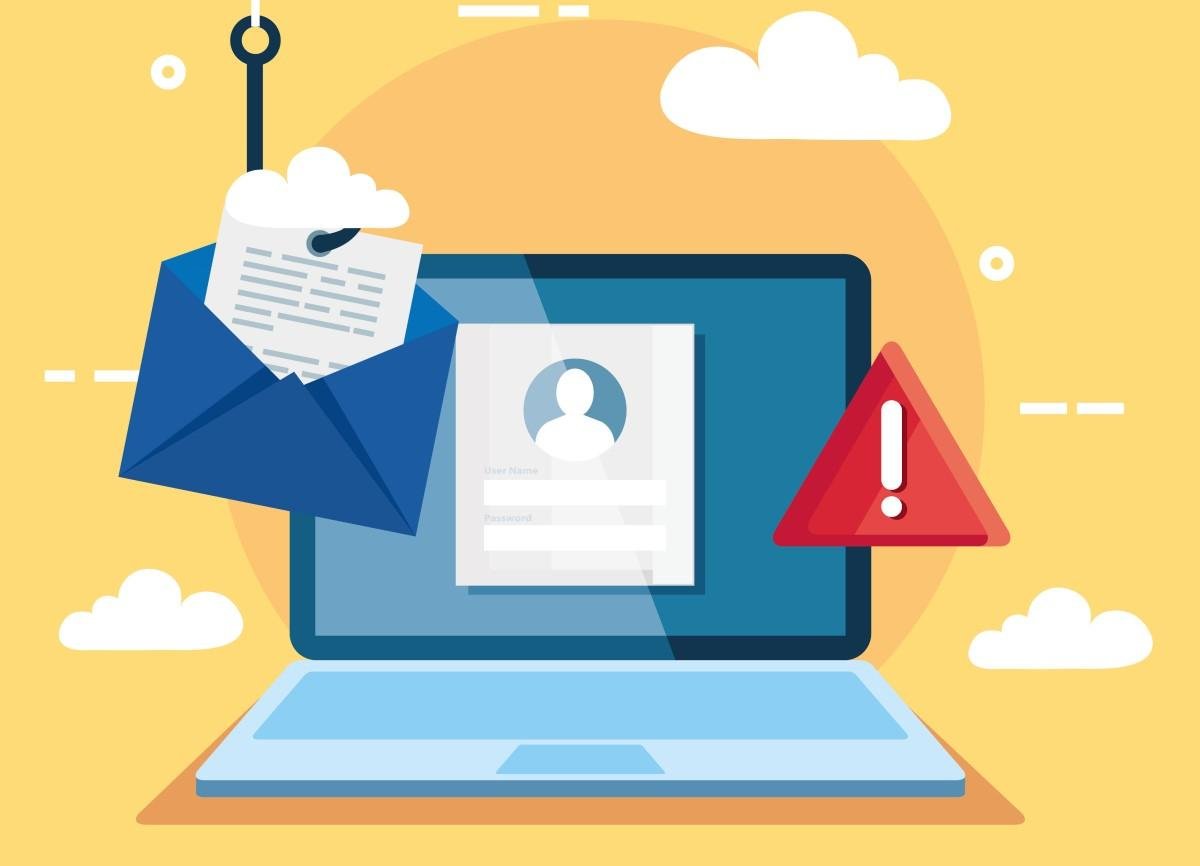
Phishing is one of the most common types of cyber attacks. It involves tricking users into sharing confidential information, such as passwords, banking details, credit card numbers, or login credentials. Cybercriminals usually send fake emails, text messages, or links that appear to come from trusted organizations, banks, or popular websites. Example: You receive an email claiming that your bank account will be blocked unless you verify your details through a provided link. Clicking the link may take you to a fake website designed to steal your information. How to prevent it:- Avoid clicking suspicious links or attachments.
- Verify the sender's email address.
- Never share OTPs, passwords, or banking details.
- Use multi-factor authentication (MFA).
2. Ransomware Attacks
Ransomware is a dangerous form of malware that encrypts a victim's files or locks access to their computer system. Attackers then demand a ransom payment to restore access to the affected data. These cyber attacks can cause significant financial losses and operational disruptions, particularly for businesses that depend on digital information. Example: A company employee downloads an infected attachment from an unknown email. The ransomware spreads through the organization's network and encrypts important business files. How to prevent it:- Maintain regular data backups.
- Keep operating systems and software updated.
- Avoid downloading files from untrusted sources.
- Use reliable endpoint protection software.
- Provide cybersecurity awareness training to employees.
3. Malware Attacks
Malware, short for malicious software, refers to programs designed to damage devices, steal information, monitor user activities, or gain unauthorized access to computer systems. Common types of malware include viruses, worms, Trojans, spyware, and keyloggers. Example: A user installs free software from an untrusted website. Along with the software, a hidden malicious program gets installed and starts collecting personal information. How to prevent it:- Install trusted antivirus and endpoint security solutions.
- Download applications only from reliable sources.
- Avoid opening unknown email attachments.
- Regularly update your operating system.
- Scan external storage devices before accessing them.
4. Distributed Denial-of-Service (DDoS) Attacks
A Distributed Denial-of-Service (DDoS) attack attempts to make a website, server, or online service unavailable by overwhelming it with massive amounts of traffic from multiple compromised devices. These cyber attacks can prevent legitimate users from accessing websites and online applications. Example: An e-commerce website experiences an unusually large volume of malicious traffic during a major online sale. The website becomes slow or completely unavailable, resulting in lost customers and revenue. How to prevent it:- Use DDoS protection services.
- Implement traffic monitoring systems.
- Configure firewalls and network security controls.
- Use content delivery networks (CDNs).
- Create an incident response plan.
5. Man-in-the-Middle (MitM) Attacks
A Man-in-the-Middle attack occurs when a cybercriminal secretly intercepts communication between two parties. The attacker may monitor, modify, or steal information exchanged between users and websites. These attacks commonly exploit unsecured networks and weak communication security. Example: A person connects to an unsecured public Wi-Fi network at an airport. An attacker positioned on the network may attempt to intercept sensitive information transmitted through insecure connections. How to prevent it:- Avoid accessing sensitive accounts through unsecured public Wi-Fi.
- Use secure HTTPS websites.
- Enable a trusted VPN when appropriate.
- Keep devices and applications updated.
- Never ignore browser security warnings.
6. SQL Injection Attacks
SQL Injection is a web application security vulnerability that allows attackers to manipulate database queries through improperly handled user input. If an application does not validate or safely process input, attackers may exploit the weakness to access, modify, or delete sensitive database information. Example: An attacker targets a vulnerable website's login form and manipulates its database query to bypass authentication or retrieve unauthorized information. How to prevent it:- Use parameterized queries and prepared statements.
- Validate and sanitize user input.
- Apply secure coding practices.
- Conduct regular web application security testing.
- Use a Web Application Firewall (WAF).
7. Cross-Site Scripting (XSS) Attacks
Cross-Site Scripting (XSS) is a web application attack in which malicious scripts are injected into trusted websites. These scripts may execute in visitors' browsers and potentially steal sensitive information or manipulate website content. XSS vulnerabilities often occur when applications fail to properly handle user-generated content. Example: An attacker inserts malicious JavaScript into a website's comment section. When another visitor opens the affected page, the script executes in their browser. How to prevent it:- Apply proper input validation.
- Use output encoding.
- Implement Content Security Policy (CSP).
- Avoid inserting untrusted content directly into web pages.
- Perform regular application security testing.
8. Password and Brute-Force Attacks
Password attacks involve attempts to obtain or guess user login credentials to gain unauthorized access to accounts, systems, and networks. A brute-force attack repeatedly tries different password combinations until the correct one is discovered. Credential stuffing is another technique in which attackers use previously exposed username and password combinations on other websites. Example: A user uses the same password for multiple online accounts. After one website experiences a data breach, attackers attempt to use the exposed credentials to access the user's other accounts. How to prevent it:- Create strong and unique passwords.
- Use a password manager.
- Enable multi-factor authentication.
- Implement account lockout and login rate-limiting policies.
- Avoid reusing passwords across different platforms.
9. Zero-Day Exploit Attacks
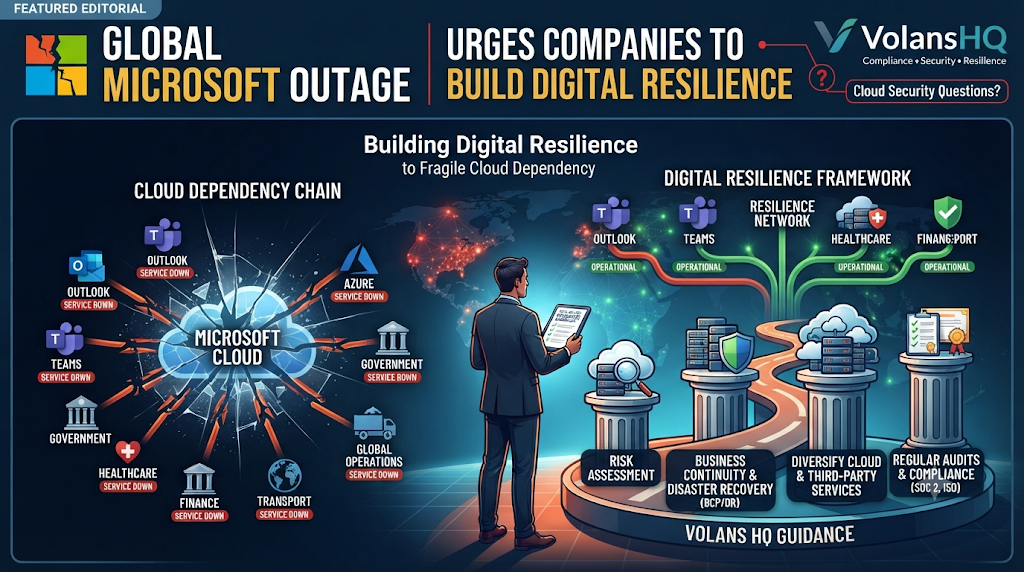
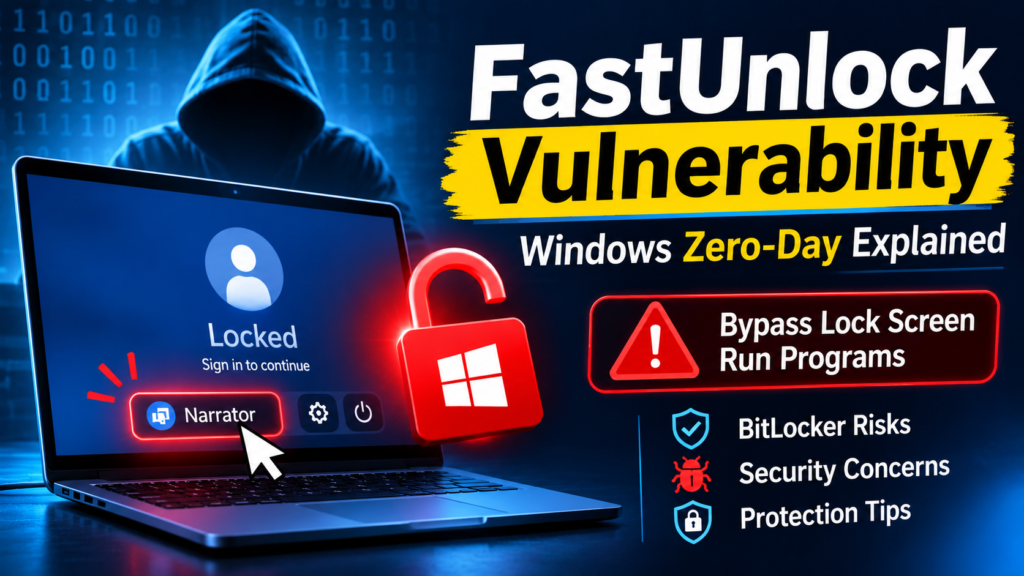
A zero-day exploit attack targets a software or hardware vulnerability before the affected vendor has released a security patch or users have had an opportunity to apply an available fix. These cyber attacks can be particularly dangerous because traditional security measures may not immediately recognize the vulnerability or its exploitation. Example: Cybercriminals discover an unknown vulnerability in a widely used application and exploit it to gain unauthorized access to systems before the developer releases a security update. How to prevent it:- Keep software and operating systems updated.
- Use advanced endpoint detection and response tools.
- Monitor suspicious network activities.
- Apply security patches as soon as they become available.
- Follow security advisories from software vendors.
10. Supply Chain Attacks
A supply chain attack occurs when cybercriminals compromise a trusted third-party vendor, software provider, or service partner to gain access to its customers or business networks. Instead of directly attacking the main organization, attackers target a weaker link in its technology or business supply chain. Example: A company downloads a legitimate software update that has been compromised by attackers. Installing the update introduces malicious code into the company's network. How to prevent it:- Evaluate the cybersecurity practices of third-party vendors.
- Download software updates from trusted sources.
- Monitor third-party access to business systems.
- Conduct regular security assessments.
- Apply strict access control policies.
How Can You Protect Yourself from Cyber Attacks?
Understanding different cyber attacks is important, but taking preventive action is equally essential. Whether you are an individual, student, or business owner, following basic cybersecurity practices can significantly reduce your exposure to digital threats. Here are some important security measures:- Use Strong Passwords: Create unique passwords for different accounts and avoid using easily guessed information.
- Enable Multi-Factor Authentication: Add an extra layer of security to your online accounts.
- Update Your Software: Install security updates regularly to fix known vulnerabilities.
- Avoid Suspicious Links: Verify emails, messages, and website URLs before clicking.
- Back Up Important Data: Maintain secure backups to recover information after a ransomware attack or system failure.
- Use Security Tools: Consider firewalls, antivirus software, endpoint protection, and network monitoring solutions.
- Learn Cybersecurity Fundamentals: Understand common attack techniques and develop safe online habits.

One thought on “Top 10 Cyber Attacks Everyone Should Know About”
Hi, this is a comment.
To get started with moderating, editing, and deleting comments, please visit the Comments screen in the dashboard.
Commenter avatars come from Gravatar.